
Backups
A backup holds a site's files and its databases in one archive, on the server and/or in S3.
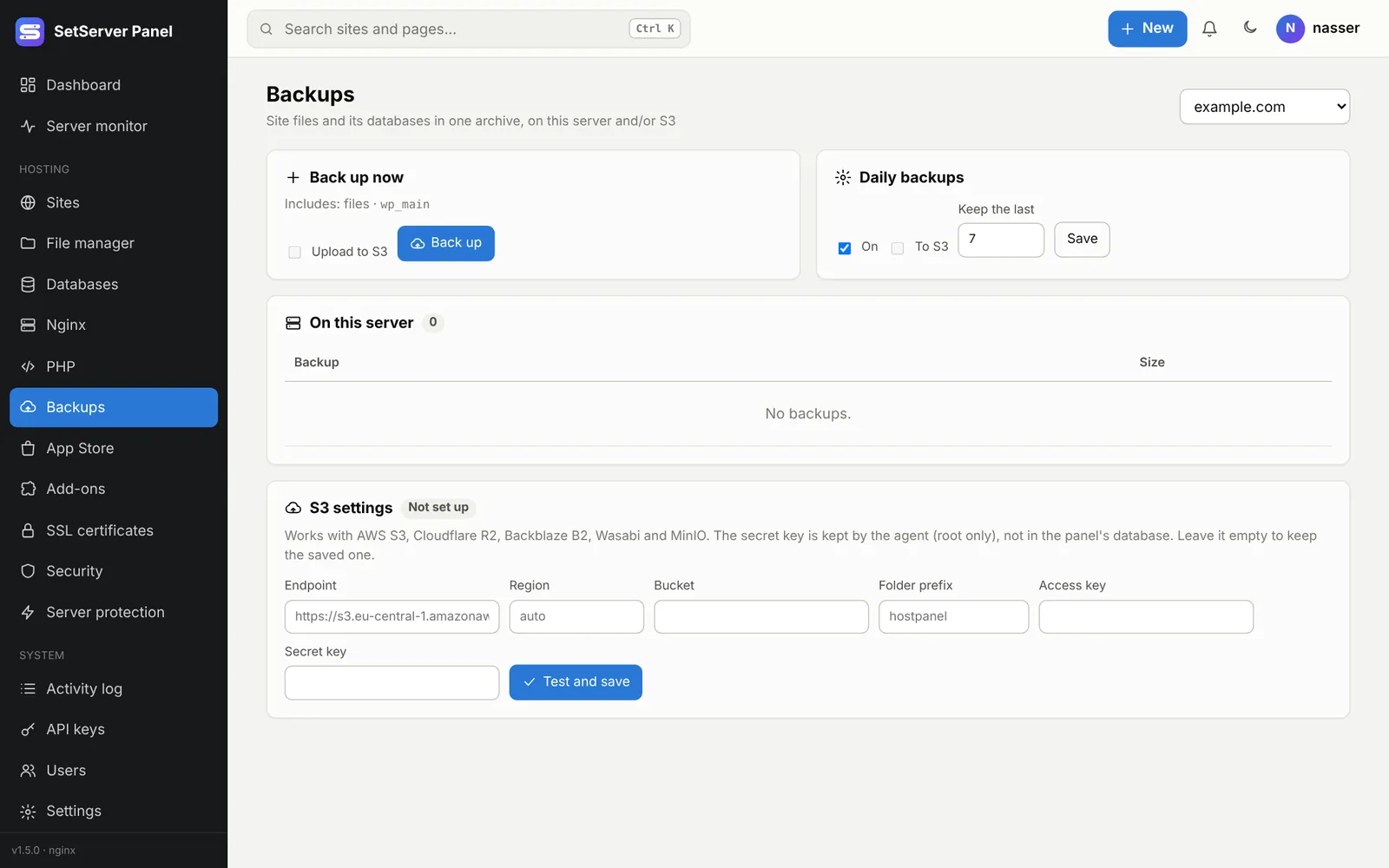
Back up now
Open Backups, pick the site, and press Back up now. Tick To S3 to upload it as well. Links that point outside the site are skipped.
Daily backups
Turn on Daily backups for a site, choose to keep the last N, and whether to upload to S3. The server backs up every site that has it on, once a day.
Restore
Press Restore on a backup and choose what to bring back: the files (they replace the current ones) and/or the databases. Restores are checked: damaged archives, device files and suspicious paths are refused.
S3 storage
S3 settings (administrators) works with AWS S3, Cloudflare R2, Backblaze B2, Wasabi and MinIO. Enter the endpoint, bucket, access key and secret key, then Test and save. The secret key is kept by the agent (root only), not in the panel's database. Single uploads are limited to 5 GB.
On the command line
merp backup create example.com --s3
merp backup list example.com