
Introduction
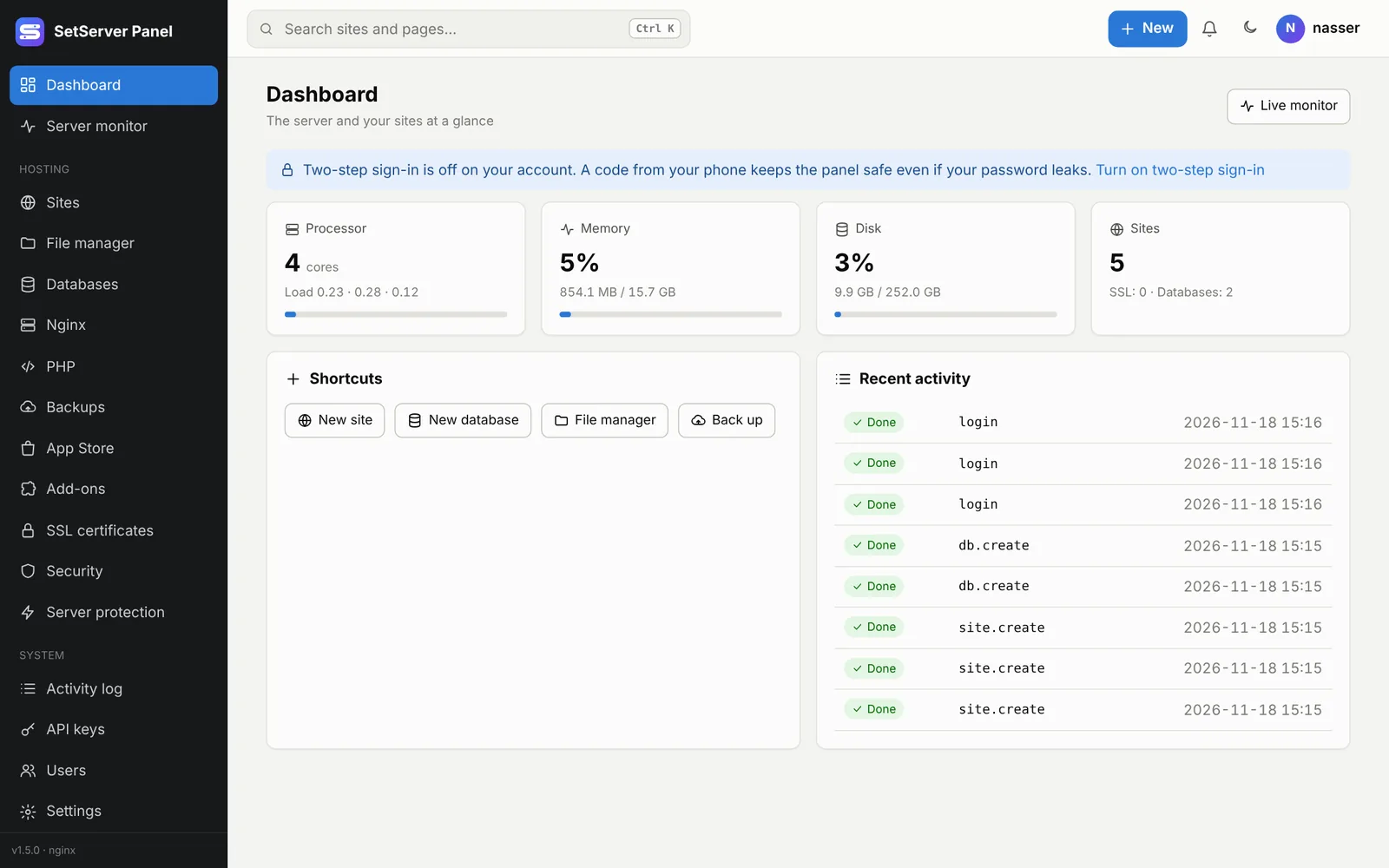
SetServer Panel (formerly HostPanel) is a lightweight web hosting control panel, in the spirit of cPanel and aaPanel, written in Go. You install it on your own server with one command and manage everything from the browser at https://YOUR-SERVER:8443.
What it does
- Sites: PHP (WordPress and others), static HTML, React / Vue builds, and apps on a port (Node.js, Python…), each with its own Linux user, folder and PHP-FPM pool.
- SSL: free Let's Encrypt certificates for every site and for the panel itself, Cloudflare mode, and your own certificates.
- Databases: MariaDB / MySQL databases with their own user, a SQL console, and a full page to run and tune the database server.
- Web server: Nginx or Apache, with safe config editing, live load and log rotation.
- App Store: PHP versions, Node.js, Redis, Composer, Git, Fail2ban, WordPress, Adminer, email, VoIP and more.
- Security: firewall, automatic bans, country blocking, a web application firewall (ModSecurity), Safe Mode, file integrity checks, a malware scanner for sites, and two-step sign-in.
- Team work: users, roles and groups, API keys, a REST API and an MCP server for Claude Code, plus a mobile app.
- Languages: English, Arabic (right to left) and Spanish. Each user picks their own.
How it is built
The panel is two small programs with no dependencies:
| Program | Runs as | Job |
|---|---|---|
hostpanel | the unprivileged hostpanel user | The web interface on port 8443, its SQLite database, languages and the license |
hostagent | root | Runs only an allow-list of checked operations (sites, files, databases, web server, backups…) |
The panel talks to the agent over a local socket (/run/hostagent/agent.sock). Even if someone broke into the panel, they could not reach root: the agent only accepts specific, validated commands. Every change is written to the activity log.
Requirements
- Ubuntu 24.04 (recommended), Ubuntu 22.04 or Debian 12, freshly installed, with no other panel on it.
- An amd64 (Intel/AMD) or arm64 (AWS Graviton, Hetzner CAX…) processor.
- At least 2 vCPU, 2 GB RAM and 30 GB disk. 4 GB RAM if you run email and the WAF together.
- Root or sudo access over SSH.
Next: install the panel.