
File manager and editor
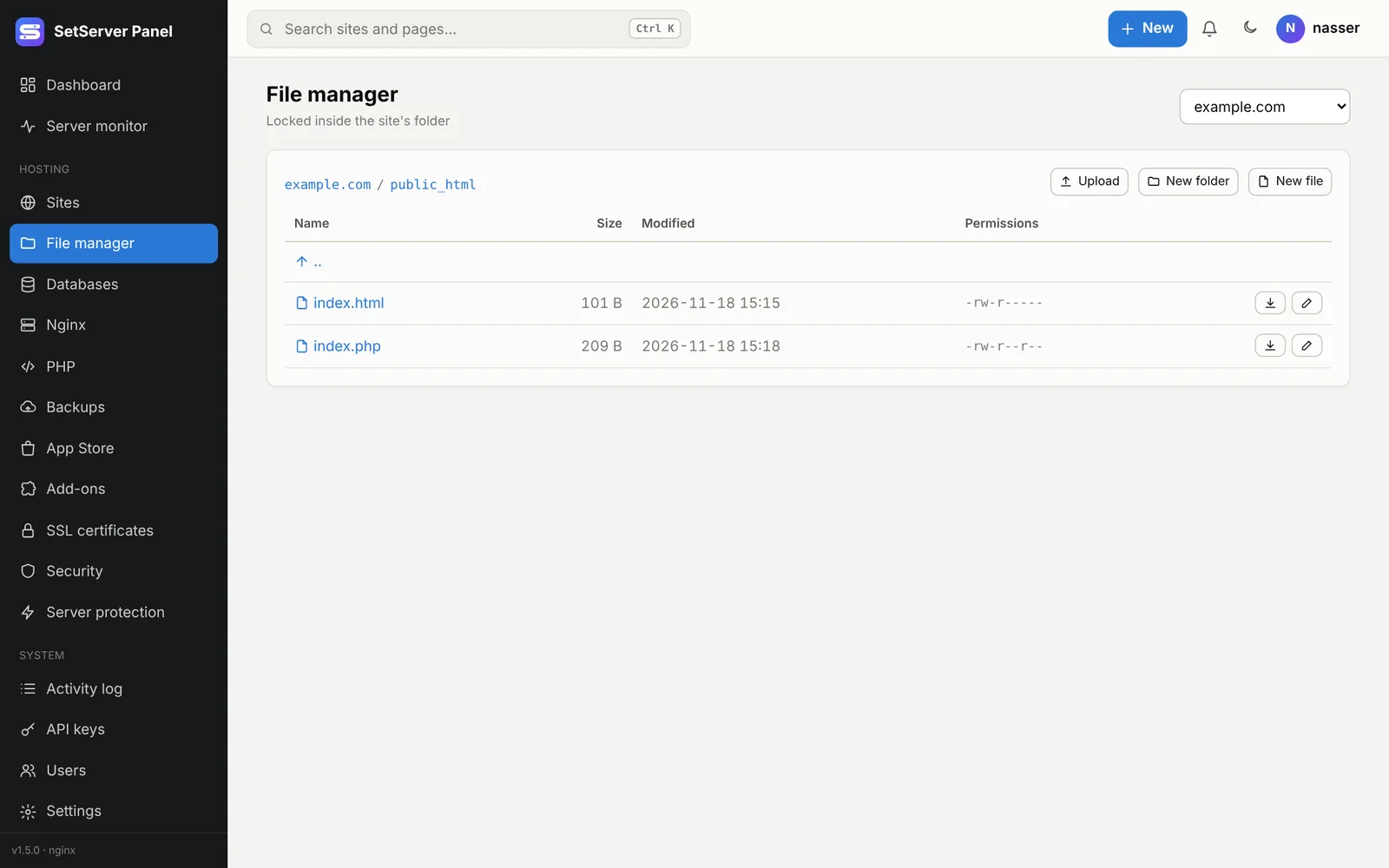
File manager opens one site's files. It is locked inside the site's folder: you cannot reach other sites or system files from it.
What you can do
- Browse folders, see size, date and permissions.
- Upload files (up to 50 MB each) and Download files (up to 25 MB; use SFTP for bigger ones).
- New file, New folder, Rename, Delete.
- Set Permissions (three digits, like
644for files and755for folders). - Open a text file in the code editor.
Core folders of a site cannot be deleted or renamed. The file manager does not follow symbolic links, and it will not change a file that has more than one name (a hard link). Switch sites with the menu at the top right.
The code editor 1.5.0
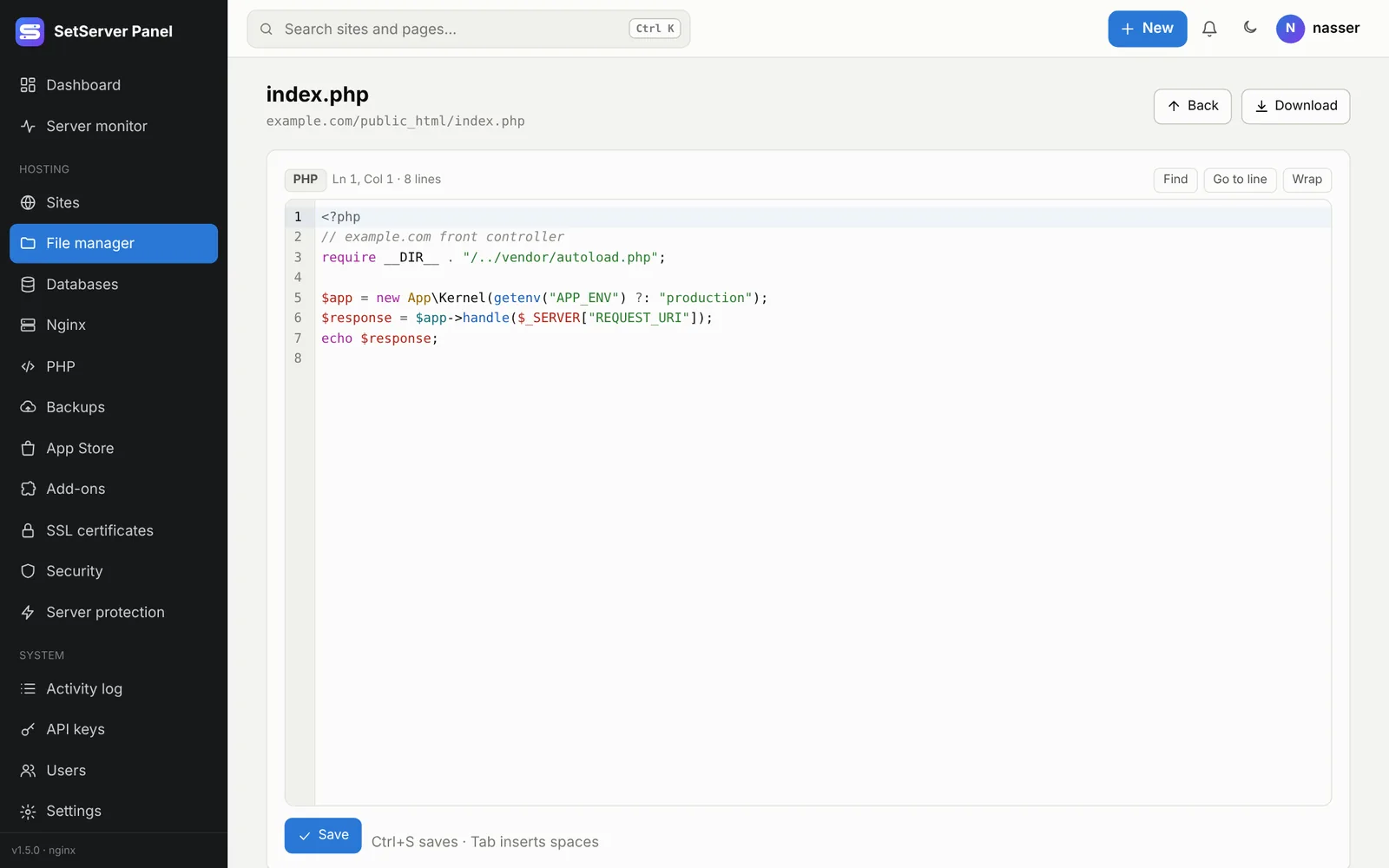
Text files open in a full code editor, the same one used for the Nginx/Apache and MariaDB config editors and .htaccess:
- Colors for PHP, JavaScript/TypeScript, HTML, CSS, JSON, YAML, SQL, Nginx, Apache/.htaccess,
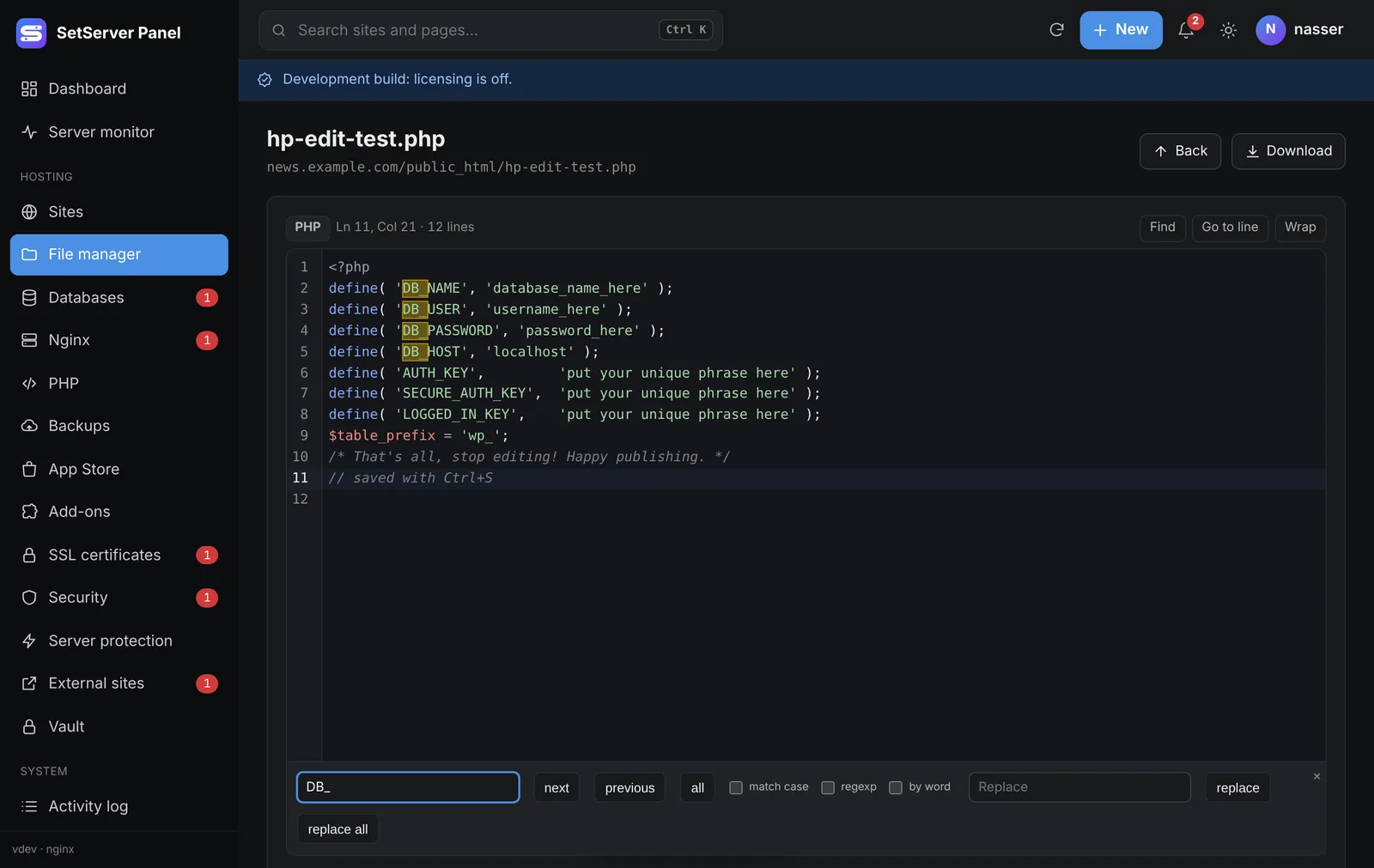
.env, INI and more, picked from the file name. - Line numbers, Find and replace, Go to line, Wrap long lines.
- Ctrl+S saves, Tab inserts spaces.
- Follows the panel's light or dark theme. It is part of the panel and loads nothing from outside.
Binary files (images, archives) and very large files cannot be edited: download them instead. Editing is turned off while Safe Mode is on.
Who can use it
Seeing files needs the See files right, changing them needs Change files. See Users and roles.