Deploy from git and cron jobs
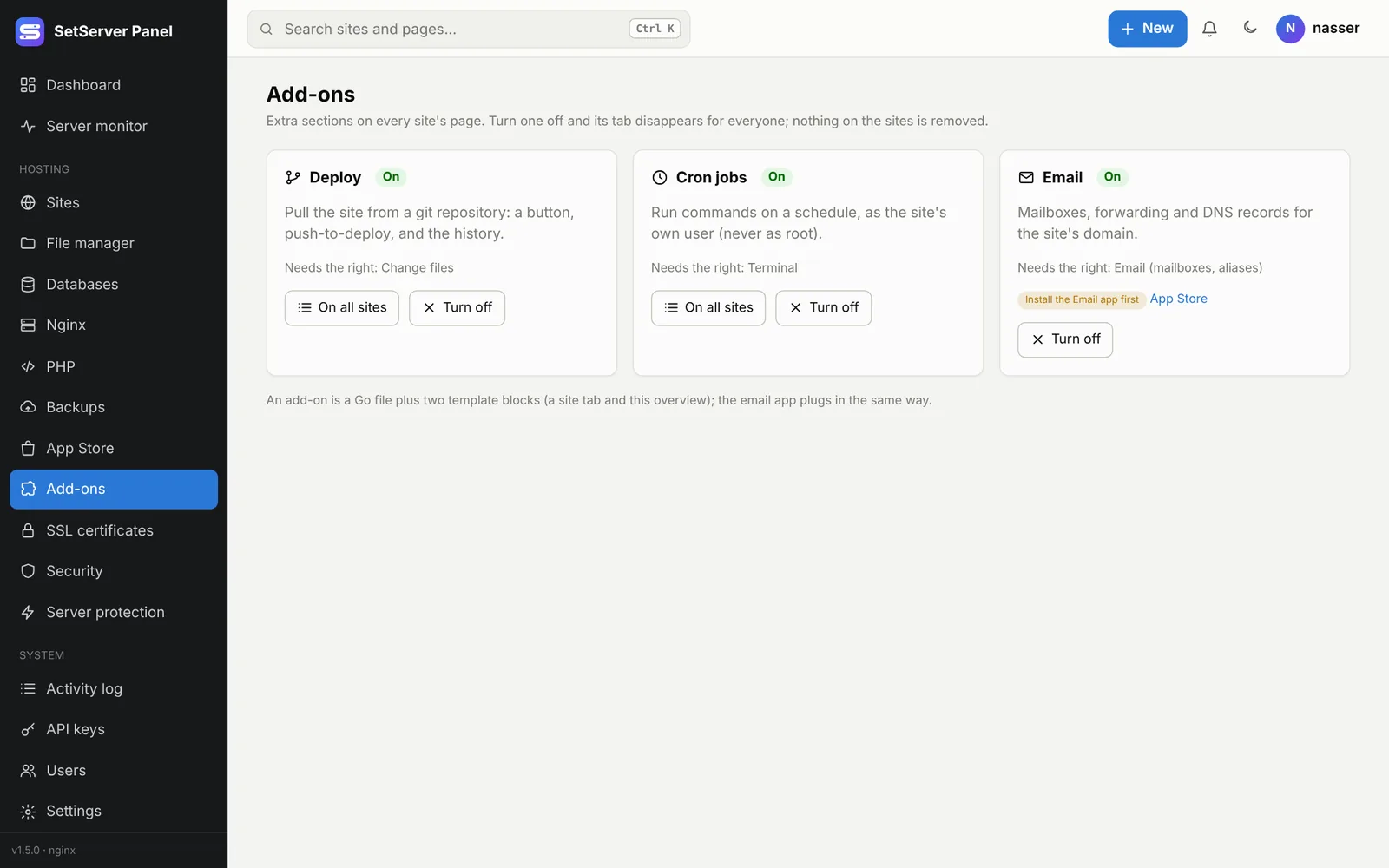
Add-ons put extra tabs on every site's page. Deploy and Cron jobs are built in; an admin can turn each one on or off for everyone in Add-ons. Turning one off hides its tab; nothing on the sites is removed.
Deploy from git
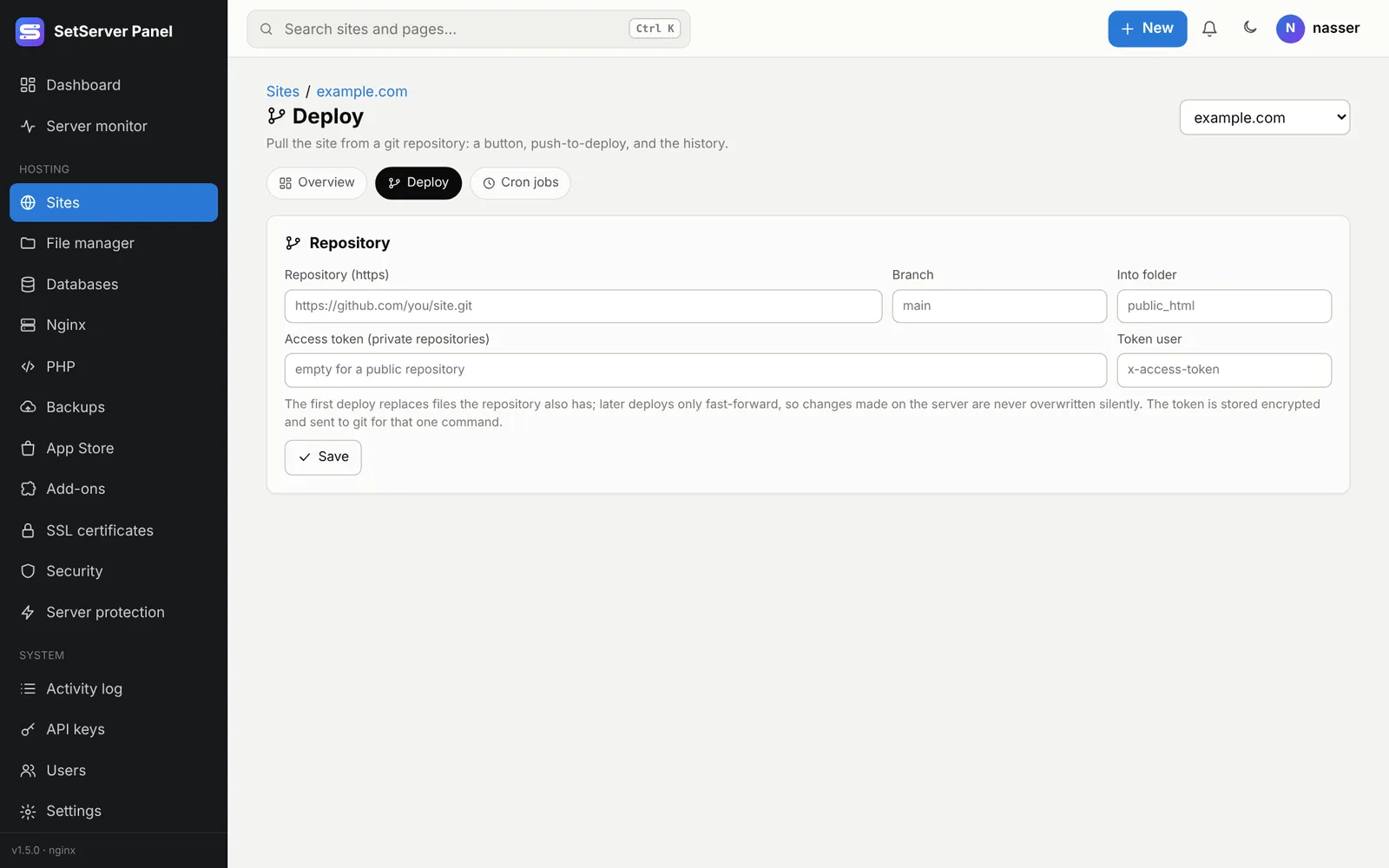
Open a site, then the Deploy tab.
- Repository (https): the https address of your repository, such as
https://github.com/you/app.git. No user or password in the address. - Branch: such as
main. - Into folder: where the files go inside the site, such as
public_html. - For a private repository, an Access token (a GitHub/GitLab/Gitea personal access token with read access) and its Token user. The token is stored encrypted.
- Save, then press Pull and deploy (or Deploy now).
The first deploy replaces files the repository also has. Later deploys only fast-forward, so changes made on the server are never overwritten silently. The Deploys list shows each run: when, from where, by whom, and the result. Git must be installed from the App Store.
Push to deploy
Press Make the webhook URL and paste the URL as a webhook (push event) in GitHub, GitLab or Gitea. Each push to the branch deploys by itself; pushes to other branches are ignored. New URL makes a new one and the old one stops at once. Webhooks stop while Safe Mode is on.
Build steps
Deploy copies files; it does not run npm or composer. Either commit the built files (for example to a build branch from your CI), or open the site's terminal after a deploy and run the build there.
Cron jobs
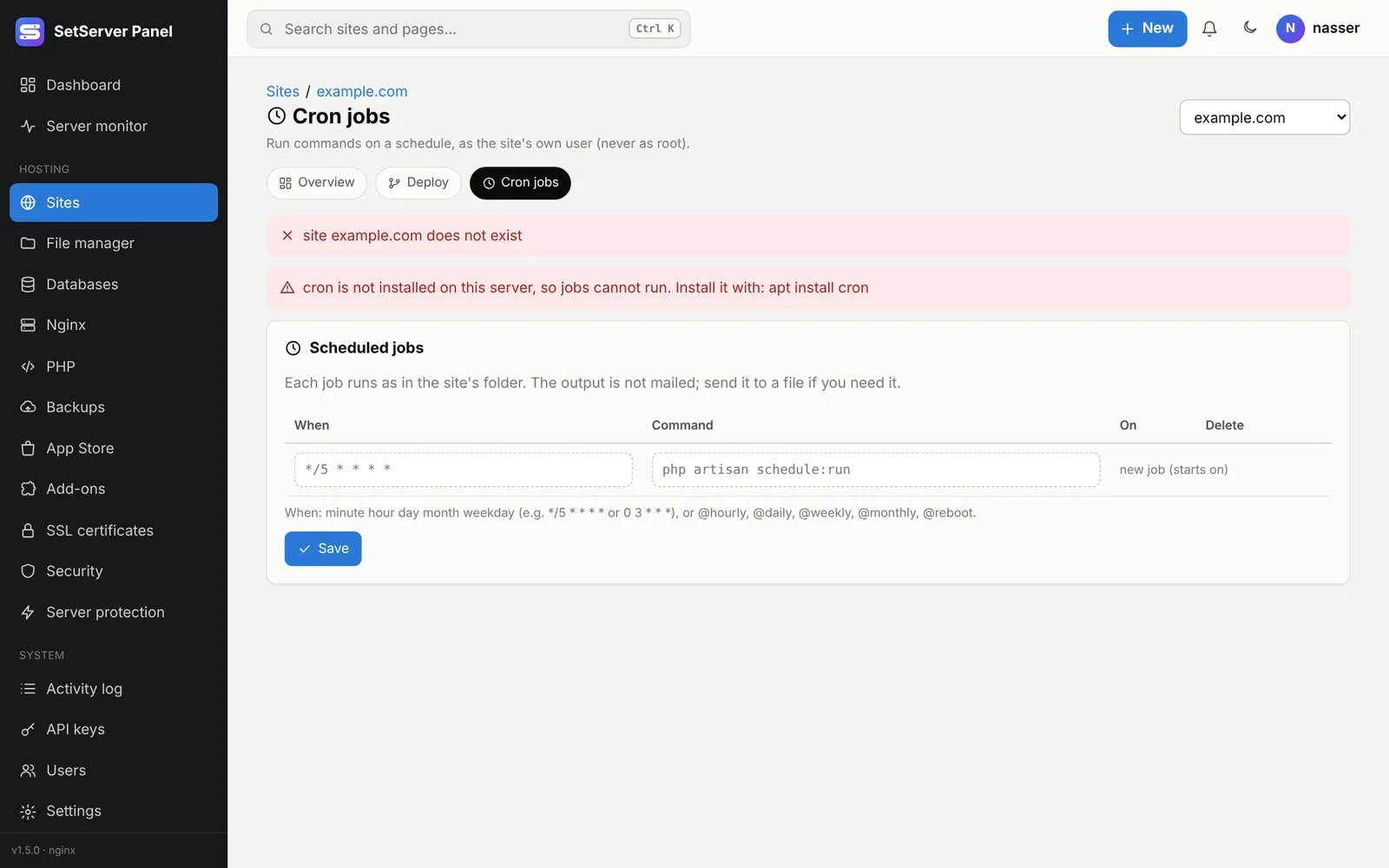
Open a site, then the Cron jobs tab, to run commands on a schedule. Each job runs as the site's own user (never as root) inside the site's folder.
- When:
minute hour day month weekday, such as*/5 * * * *(every 5 minutes) or0 3 * * *(every day at 03:00), or@hourly,@daily,@weekly,@monthly,@reboot. Quick picks fill these in for you. - Command: one line, such as
php artisan schedule:runorphp wp-cron.php. - Turn a job on or off without deleting it. Up to 50 jobs per site.
The output is not emailed. Send it to a file if you need it: php job.php >> logs/job.log 2>&1.
Add-ons → Cron jobs → On all sites shows every site's jobs in one table.