Users and roles
Users decides who can sign in, what their role lets them do, and which sites they reach. It has three tabs: Users, Groups and Roles.
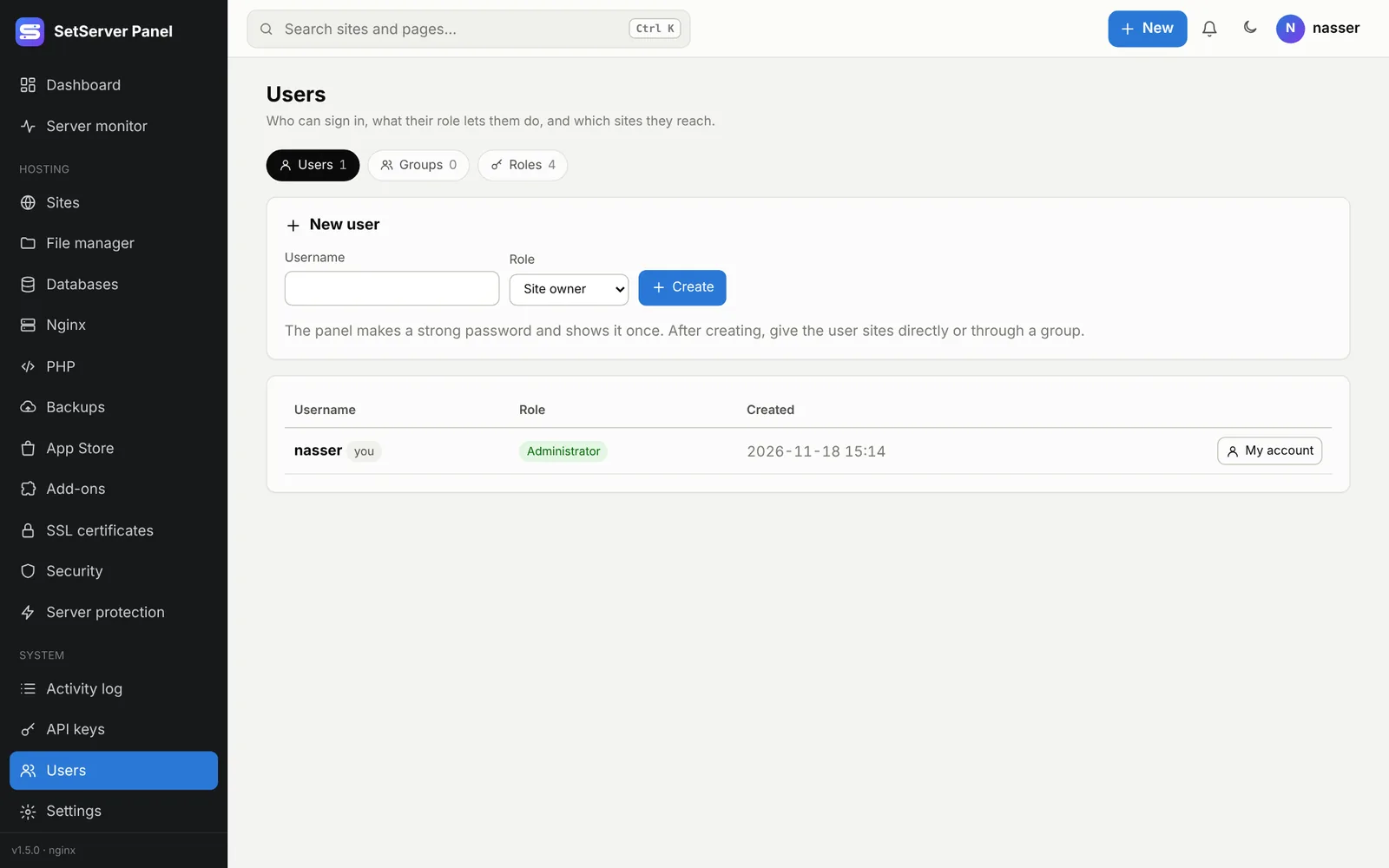
Add a user
- Users → New user, or + New → User.
- Enter a username (3 to 32 letters, digits, dots, dashes or underscores) and pick a Role.
- The panel makes a strong password and shows it once. Give it to the user; they can change it in My account.
- Open the user and give them sites, directly or through a group.
On a user's page you can change the role, Turn off the account (signed out at once, cannot sign in), make a New password (signs them out everywhere), Reset 2FA, or delete the user. A user who still owns sites or databases must hand them over first. There is always at least one administrator.
Built-in roles
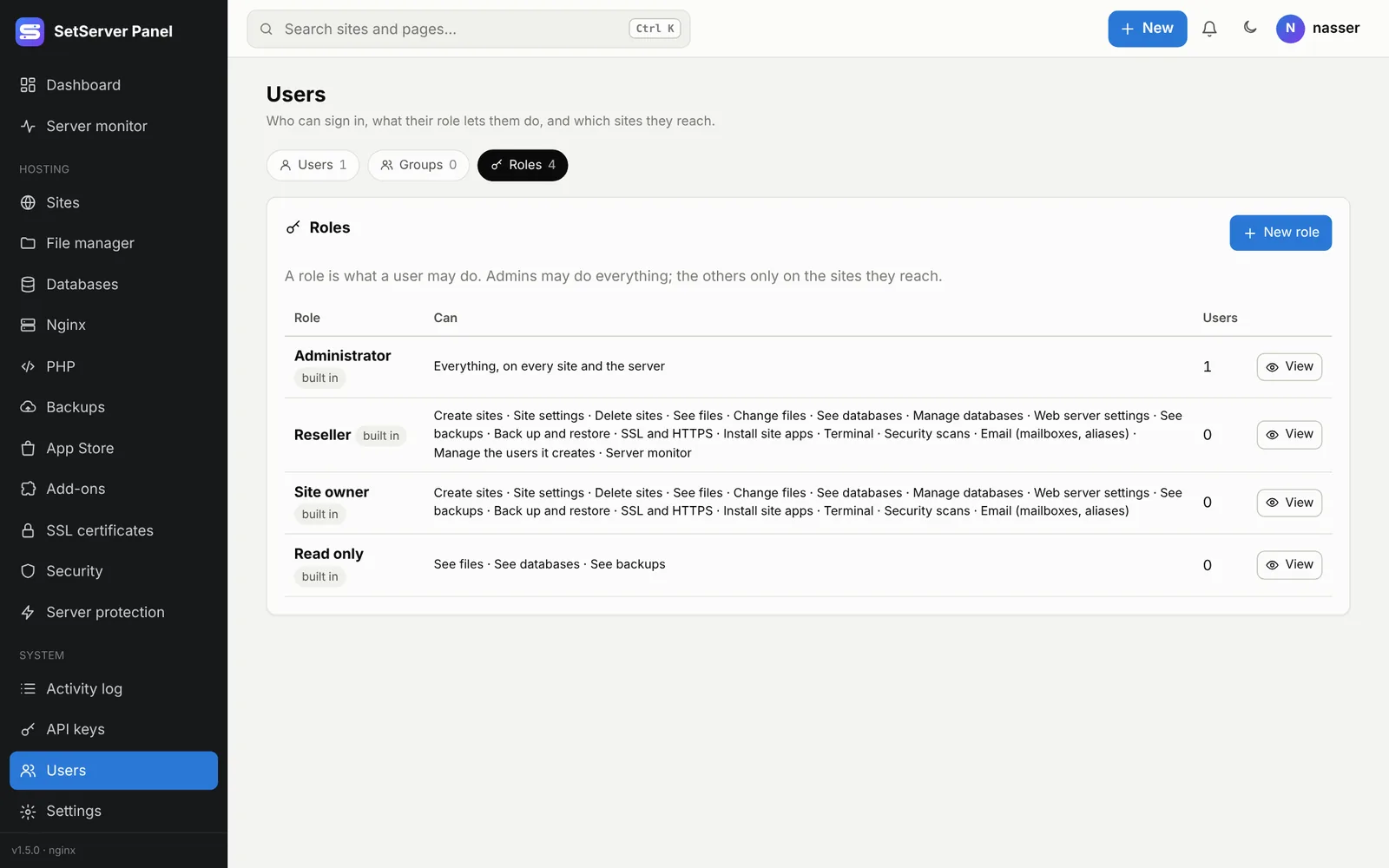
| Role | Can |
|---|---|
| Administrator | Everything, on every site and the server |
| Reseller | Its own sites, plus users it creates and their sites |
| Site owner | Full control of the sites it reaches |
| Read only | Sees files, databases and backups; changes nothing |
Your own roles
Roles → New role lets you pick rights one by one.
On the sites the user reaches: site settings, create and delete sites, see and change files, see and manage databases, see backups and back up/restore, web server settings, SSL and HTTPS, install site apps, terminal, security scans, email.
On the whole server (give with care): App Store server apps, backup storage (S3), external sites, mail server, PHP settings, security settings, SSL/Cloudflare/the panel's certificate, Vault, VoIP, server monitor, everyone's activity, managing the users it creates.
Built-in roles cannot be changed, and a role in use cannot be deleted.
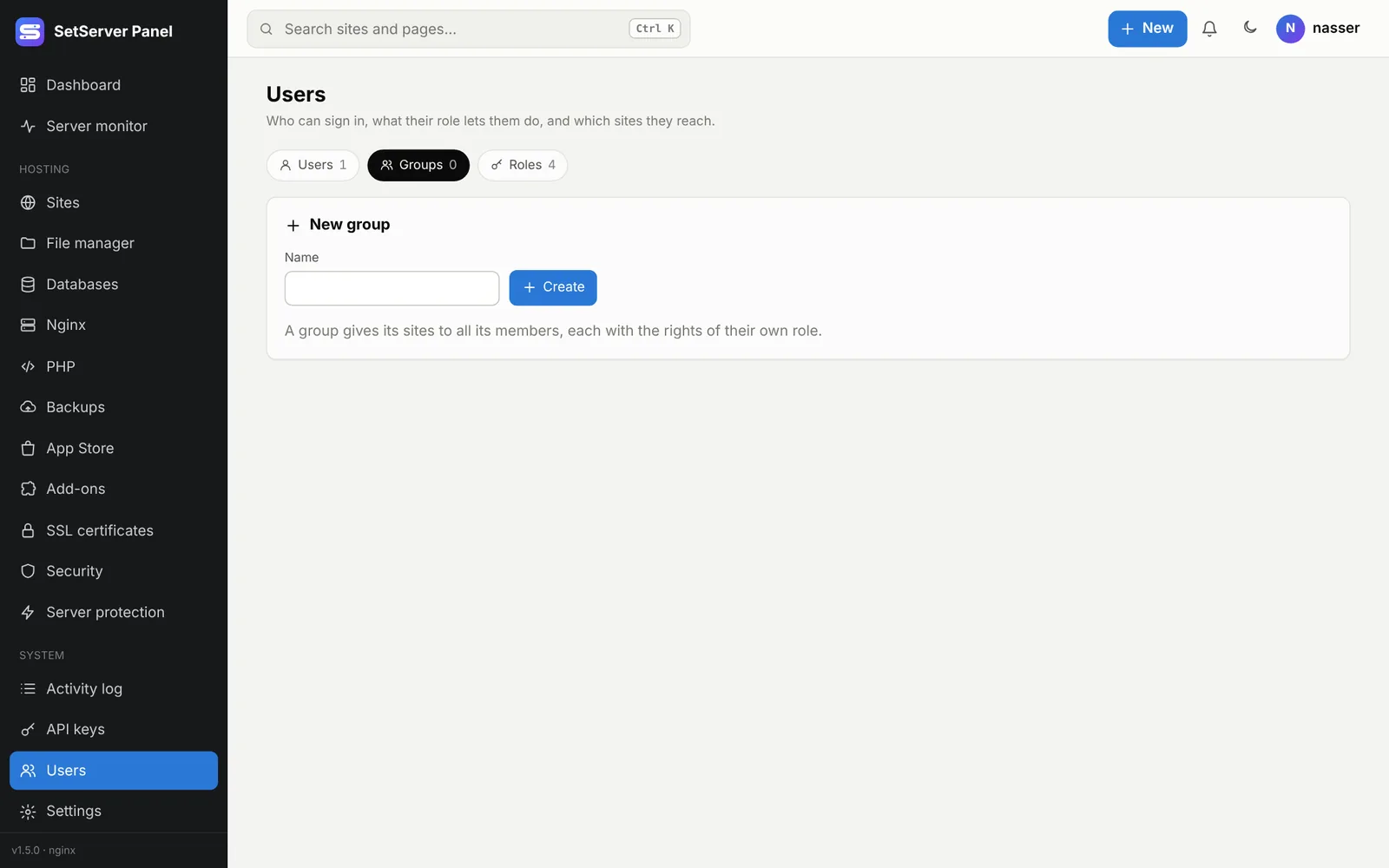
Groups
A group gives its sites to all its members, each with the rights of their own role. Use it for a team that shares several sites. Deleting a group removes those sites from its members (the sites themselves stay).