
PHP
The PHP page holds the settings of each installed PHP version. They apply to every site on that version; a site cannot raise them.
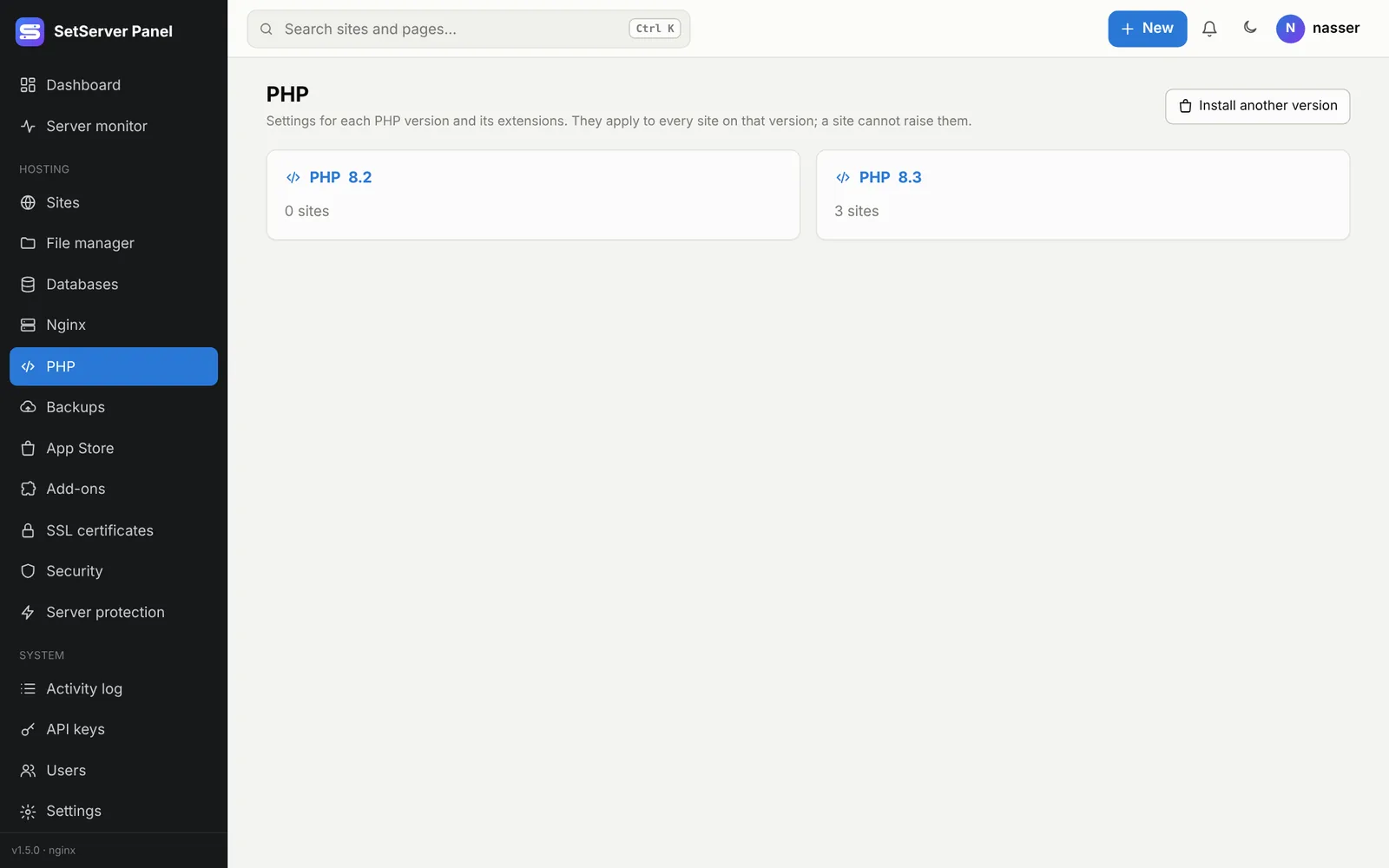
Versions
PHP 7.4 to 8.4 are each an app in the App Store. Once a version is installed, it appears in every site's PHP version list. Each site has its own PHP-FPM pool running as its own user, on the version you pick. Versions not in the system's repositories come from the signed ondrej (Ubuntu) or sury (Debian) repository.
You cannot remove a version while sites use it: move them to another version first.
Settings per version
- Limits: memory limit, max upload and post size, execution time. The upload size here is the highest a site may have; each site's own max upload on its page applies on top, and the smaller wins.
- Errors and time: error display (for debugging only) and the time zone.
- OPcache: on for faster PHP.
- Processes (PHP-FPM): how many PHP processes one site may use (
max_children) and how they start (ondemanduses the least memory). - Extra functions to turn off for every site.
- Extensions: turn installed extensions on or off, or install missing ones.
Press Save and reload PHP. The settings are tested first; if PHP-FPM refuses them, the old ones come back.
INFO
Sites that are not allowed to run programs always have exec, system, shell_exec, proc_open, popen and the like turned off, whatever you set here.